
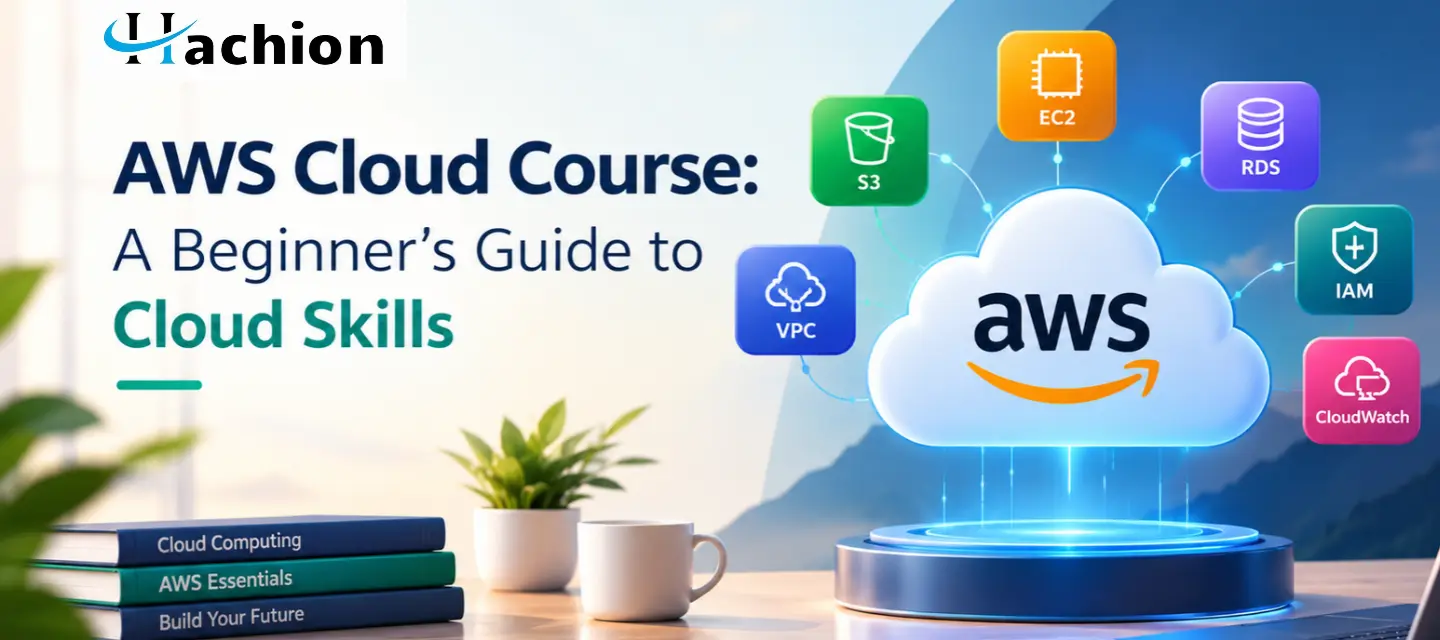
AWS Cloud Course: A Beginner's Guide to Cloud Skills
Cloud computing has changed how businesses build applications, store information, and deliver digital services. From online shopping platforms to financial applications, many organizations depend on cloud infrastructure to support their daily operations. For beginners interested in technology, an AWS cloud course offers a structured way to understand these systems and develop practical cloud computing skills.
Choosing the right AWS cloud course can make learning easier, especially if you are new to IT or planning to move into a cloud related role. With the right learning path, you can understand essential AWS services, explore real-world scenarios, and gradually develop the knowledge needed to work with cloud environments.
What Is an AWS Cloud Course?
An AWS cloud course teaches you how to use Amazon Web Services (AWS), a cloud computing platform that provides services for computing, storage, databases, networking, security, and more.
Instead of purchasing and maintaining physical servers, businesses can use AWS resources through the internet and adjust their infrastructure according to their needs.
A beginner-friendly course usually introduces the fundamentals before moving into practical exercises.
The course may cover the following topics:
- Understand cloud computing and its benefits.
- Launch and manage virtual servers using Amazon EC2.
- Store files and objects using Amazon S3.
- Explore databases and basic networking.
- Apply identity and access management concepts.
- Monitor resources and understand cloud costs.
- Practice deploying simple applications in the cloud.
These fundamentals help learners understand how different AWS services work together in a real business environment.
Why Should Beginners Learn AWS Cloud Computing?
AWS knowledge can be useful for students, fresh graduates, IT professionals, and career changers who want to explore cloud technology.
Here are some reasons to consider learning AWS.
Understand modern IT infrastructure
You can learn how organizations run applications without managing every physical server themselves. This provides a foundation for understanding modern infrastructure and cloud-based systems.
Develop practical technical skills
Hands-on exercises help you move beyond definitions. You can practice creating storage resources, launching virtual machines, configuring access permissions, and monitoring services.
Explore different cloud career paths
AWS skills can support further learning toward cloud support, cloud administration, cloud engineering, DevOps, and solutions architecture. Each role requires different levels of experience, so additional training and practical knowledge may be necessary.
Prepare for AWS certifications
A structured learning path can help you understand topics covered by AWS certification exams. However, completing a course alone does not guarantee certification; you must meet the exam requirements and pass the relevant assessment.
What Should You Learn in an AWS Cloud Course?
A well-structured course should progress from basic concepts to practical activities.
1. Cloud Computing Fundamentals
Start by understanding cloud computing, public and private cloud concepts, scalability, availability, and the shared responsibility model. Learn why organizations use cloud services instead of relying entirely on traditional infrastructure.
2. Core AWS Services
Become familiar with the services commonly used in cloud environments.
- Amazon EC2: Runs virtual servers for applications and workloads.
- Amazon S3: Stores files, backups, and other objects.
- Amazon RDS: Provides managed relational database services.
- Amazon VPC: Helps create logically isolated networks.
- AWS IAM: Manages users, roles, and permissions.
- Amazon CloudWatch: Supports monitoring and operational visibility.
You do not need to master every service immediately. Begin with the fundamentals and understand the purpose of each service before moving into more advanced configurations.
3. Security and Cost Management
Learn how to apply least-privilege access, protect credentials, monitor resource usage, and understand pricing. These practices are important because an incorrectly configured resource can create security risks or unexpected expenses.
4. Hands-On Cloud Projects
Hands-on exercises help you put your knowledge into practice. A good beginner course should include guided exercises, troubleshooting, and opportunities to build small projects.
Real-World Example: Hosting a Business Website on AWS
Imagine a small US-based online retailer that wants to launch a website to display products and receive customer inquiries. The business needs reliable hosting without purchasing its own physical servers.
A beginner learning AWS could explore the following workflow.
IT beginners who want to build cloud computing skills for their future careers can explore the following AWS workflow.
Step 1: Store website files
Use Amazon S3 to store suitable static website assets, such as images, stylesheets, and scripts. For a production website, additional configuration and security controls may be necessary.
Step 2: Configure the infrastructure
Explore Amazon EC2 to understand how a virtual server can host an application. Learn about networking, security groups, and the resources required to make an application accessible.
Step 3: Protect access
Use AWS IAM roles and appropriate permissions to control which services and users can access resources. Avoid embedding long-term credentials in application code.
Step 4: Monitor performance
Explore Amazon CloudWatch to understand metrics, logs, and alarms that help identify potential application issues.
Step 5: Review costs
Use AWS billing and cost-management tools to review resource usage. Stop or remove unnecessary resources after practice sessions to help prevent unwanted charges.
This example demonstrates how AWS services support different parts of a business workflow. Beginners can build a simplified lab version and gradually add features as their understanding improves. Actual architecture depends on application requirements, security needs, expected traffic, and budget.
How to Choose the Right AWS Cloud Course
Before selecting a course, consider whether it supports your learning goals.
- Beginner-friendly curriculum: Look for explanations that start with basic cloud concepts.
- Practical exercises: Choose training that includes guided labs and realistic scenarios.
- Relevant AWS services: Check whether the curriculum covers core services such as EC2, S3, IAM, and VPC.
- Structured learning: A clear sequence helps you progress from fundamentals to projects.
- Instructor support: Feedback and doubt-clearing sessions can help you understand difficult topics.
- Certification preparation: If certification is your goal, verify that the course aligns with the relevant AWS exam objectives.
Your preferred learning format also matters. Live online classes provide interaction, while self-paced learning offers more flexibility. Choose a learning option that matches your daily schedule and preferred way of studying.
Start Your AWS Learning Journey with Hachion Online Trainings
If you want to improve your cloud computing skills, explore the technical training programs offered by Hachion Online Trainings. An AWS-focused training program can help you understand essential services, follow guided learning activities, and connect cloud concepts with practical examples.
As you explore Hachion's training options, review the curriculum, hands-on components, instructor support, and learning format to find a program that matches your current experience and goals.
Visit Hachion Online Trainings to explore available courses and take the next step in learning AWS. Begin with the fundamentals, practice consistently, and use small projects to strengthen your understanding of cloud environments.
Final Thoughts
Learning AWS can be a practical first step toward understanding cloud technology and exploring IT career opportunities. Start with the basics, become familiar with essential AWS services, and practice through small projects to build your confidence. Choosing the right AWS cloud course can help you follow a clear learning path and strengthen your technical knowledge. Stay consistent, keep exploring new concepts, and apply what you learn to real-world scenarios as you progress.
Frequently Asked Questions (FAQ’s)
1. What is an AWS cloud course?
A: An AWS cloud course teaches you how Amazon Web Services works, including cloud computing fundamentals, storage, virtual servers, networking, security, and other cloud services. Beginner courses usually combine theory with practical exercises.
2. Can I learn AWS as a complete beginner?
A: Yes. You can start without previous AWS experience. Basic computer knowledge and familiarity with general IT concepts can help, but you can learn cloud fundamentals step by step before progressing to hands-on projects.
3. Which AWS services should beginners learn first?
A: Start with Amazon EC2, Amazon S3, AWS IAM, Amazon VPC, and Amazon CloudWatch. These services introduce important concepts related to computing, storage, access management, networking, and monitoring.
4. Can an AWS cloud course help you prepare for certification exams?
A: A suitable course can help you understand AWS concepts and prepare for certification exams. Choose training aligned with your target certification and supplement it with practice questions, hands-on exercises, and the official exam guide.
5. How can Hachion Online Trainings help you build your AWS skills?
A: Hachion Online Trainings helps learners explore technical courses that suit their learning goals. Review its available AWS-related programs to understand their curriculum, practical exercises, instructor support, and learning format before choosing a course that fits your goals.


