
Introduction
SLA breaches are one of the biggest problems in IT support teams. When incidents are not resolved within the SLA time, it impacts business, customers, and leadership trust.
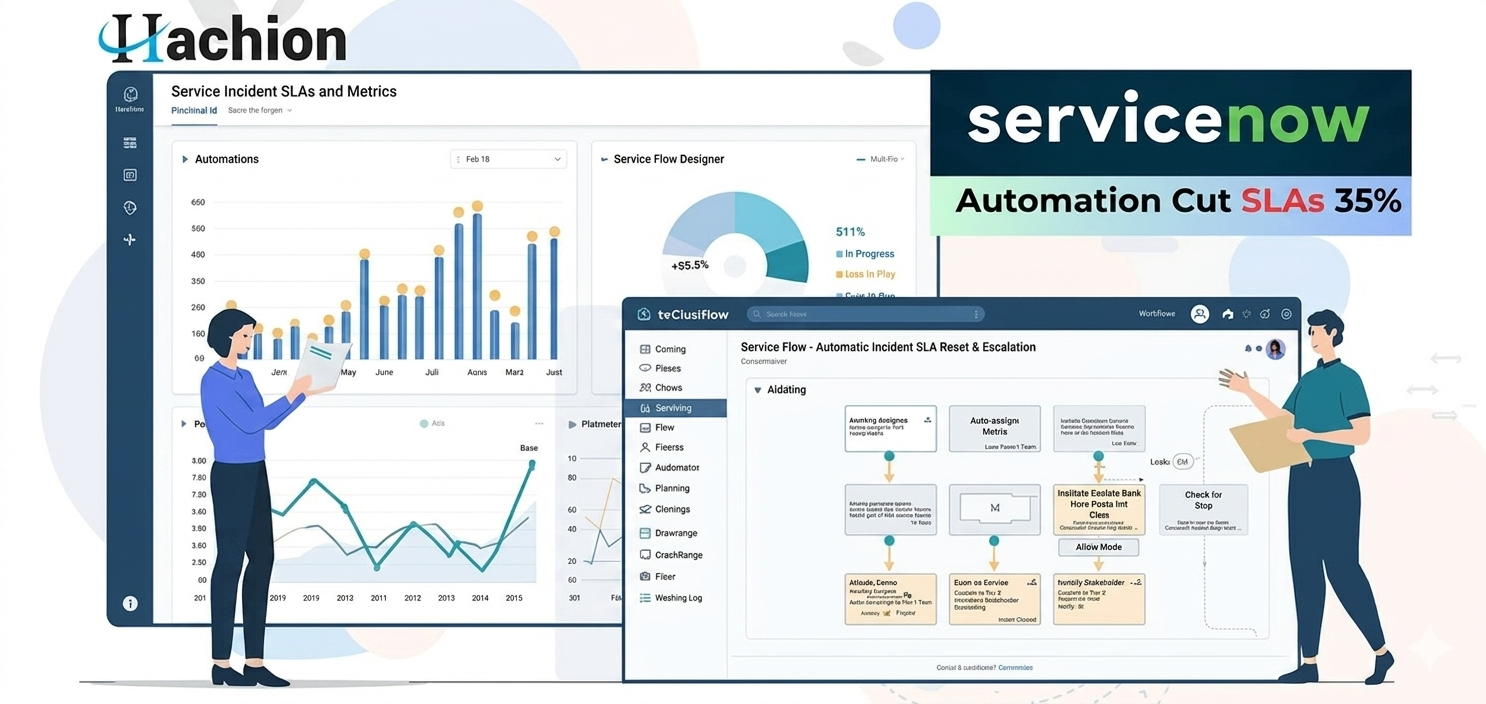
In this blog, I will share a real scenario from my experience as a ServiceNow Administrator where we reduced Incident SLA breaches by 35% using:
- Proper SLA definitions
- Flow Designer automation
- Escalation matrix
- Real-time reporting dashboards
This is a practical and real-time approach that you can apply in your organization.
The Problem: Frequent SLA Breaches
When I joined the project, the Incident Management team was facing serious SLA issues.
🔴 Key Challenges:
- 28%–32% SLA breach rate every month
- No proper escalation process
- Agents missing SLA notifications
- No visibility for managers
- Manual follow-ups
📊 Before Improvement (Monthly Average)
- Total Incidents: 4,500
- SLA Breached: 1,260
- Breach Percentage: 28%
- Average Resolution Time: 9.5 hours
Management was not happy. We needed a structured solution.
Step 1: Fixing SLA Definitions
First, I reviewed the SLA configuration in ServiceNow.
Issues Found:
- Wrong priority mapping
- No pause conditions
- SLA not linked properly to assignment groups
- No escalation alerts
What I Did:
✅ Updated SLA Definitions based on Priority:
https://api.hachion.co/prod/upload_all_images/CRM_Courses_ServiceNow_Admin_servicenow-1.webp
✅ Added proper Pause Conditions
- On Hold – Awaiting User
- On Hold – Vendor
✅ Enabled breach warning at 75% of SLA time
This ensured SLA timers were accurate and realistic.
Step 2: Using Flow Designer for Proactive Notifications
The biggest improvement came from automation using Flow Designer.
Instead of waiting for SLA breach, we created automated flows.
🔁 Flow 1: 50% SLA Warning Notification
Trigger:
- When SLA reaches 50% of elapsed time
Action:
- Notify assigned agent via:
- Teams notification
- Work note reminder
🔁 Flow 2: 75% SLA Escalation to Team Lead
Trigger:
- SLA reaches 75%
Action:
- Notify Team Lead
- Add comment in incident
- Change priority if needed
🔁 Flow 3: 90% Critical Escalation
Trigger:
- SLA reaches 90%
Action:
- Notify Service Delivery Manager
- Add to escalation dashboard
- Mark as “At Risk”
This reduced last-minute surprises.
Step 3: Implementing Escalation Matrix
We created a simple but powerful escalation matrix.
Escalation Levels
https://api.hachion.co/prod/upload_all_images/CRM_Courses_ServiceNow_Admin_servicenow-2.webp
This brought accountability.
Before this, nobody knew who was responsible during critical time.
Step 4: Real-Time SLA Dashboard for Management
We built a reporting dashboard with:
- SLA Compliance %
- Open Incidents by Priority
- Incidents nearing breach
- Breach trend (Last 6 months)
- MTTR (Mean Time to Resolve)
Dashboard Widgets Included:
📊 SLA Compliance Gauge
📈 Monthly Breach Trend
📋 Top 5 Groups with Breaches
⏱ Average Resolution Time
This gave full visibility to leadership.
Managers started reviewing it daily.
Results: 35% Reduction in SLA Breaches
After implementing the solution for 3 months, results were impressive.
📊 After Improvement (Monthly Average)
- Total Incidents: 4,700
- SLA Breached: 820
- Breach Percentage: 17%
- Average Resolution Time: 7.2 hours
🎯 Improvement Achieved:
- SLA breach reduced from 28% → 17%
- 35% reduction in breaches
- Faster response time
- Better accountability
- Higher customer satisfaction
Automation + visibility made the difference.
Key Lessons Learned
- SLA configuration must be accurate
- Proactive alerts are better than reactive actions
- Managers need visibility through dashboards
- Escalation matrix brings ownership
- Flow Designer is powerful when used properly
Best Practices for ServiceNow Admins
If you are facing SLA breaches in your organization:
✔ Review SLA definitions first
✔ Use Flow Designer for automation
✔ Create multi-level escalation
✔ Build real-time dashboards
✔ Monitor monthly trends
Small configuration changes can create big impact.
Final Thoughts
Reducing SLA breaches is not about working harder. It is about working smarter using automation and visibility.
As a ServiceNow Administrator, your role is not just configuration. You are improving service quality and business trust.
If you implement SLA optimization correctly, you can easily reduce breaches by 20–40%.


